
Recover Your Lost Data – Professional Hard Drive Recovery Services
Your hard drive is the heart of your computer, storing important documents, treasured photos, and critical files. When it begins to fail, it can be a stressful and frustrating experience, especially if you’re unable to access vital data. Whether your hard drive has become unresponsive, is making unusual noises, or has completely stopped working, I provide expert data recovery services to retrieve lost files and restore your valuable information.
If recovery isn’t possible through my direct methods, I’ve partnered with OnTrack, a specialized data recovery company. Using my exclusive code, you’ll receive a 10% discount on their professional recovery services. Don’t let data loss disrupt your work—reach out today for reliable assistance and expert support.
Understanding Hard Drive Failures and Data Loss
Hard drive failures can happen for a variety of reasons, from aging hardware to accidental damage. Recognizing the warning signs early can help prevent permanent data loss. Some common indicators of hard drive failure include:
- Unusual clicking or grinding noises – Physical damage within the drive may be affecting functionality.
- Frequent system crashes or freezes – If your computer frequently shuts down or becomes unresponsive, your hard drive may be failing.
- Missing or corrupted files – Important documents or photos disappearing without explanation can signal a storage issue.
- Inability to access the drive – If your computer doesn’t recognize the hard drive or refuses to boot, a failure may have occurred.
Knowing these symptoms allows you to act quickly and improve your chances of recovering important data before it’s lost forever.
How I Can Recover Your Data
I use advanced recovery techniques to retrieve lost files from failing hard drives, ensuring the best possible chance of restoring your data. My process includes:
Diagnosing the Issue
I start with a thorough inspection of the drive, determining whether the failure is due to physical damage, software corruption, or logical errors.
Attempting Local Recovery Methods
Depending on the nature of the failure, I use specialized software tools and recovery methods to access lost files. This includes:
Extracting data from partially corrupted sectors
Restoring files affected by accidental deletion or formatting errors
Recovering documents, photos, videos, and other essential files
Partnering with OnTrack for Advanced Recovery
If recovery isn’t possible using standard methods, I’ve partnered with OnTrack, a leading data recovery company specializing in complex cases. By using my exclusive code, you’ll receive a 10% discount on their professional recovery services.
Even in the most severe cases—such as mechanical damage or extensive corruption—OnTrack offers cutting-edge solutions to recover inaccessible data.
Preventing Future Data Loss – Steps to Protect Your Files
While recovering lost data is possible, prevention is always the best approach. Here’s how you can safeguard your files against future hard drive failures:
Regular Backups – Store important files on external drives, cloud storage, or backup software.
Avoid Sudden Power Loss – Use a surge protector or uninterruptible power supply (UPS) to prevent unexpected shutdowns.
Monitor Drive Health – Check storage status regularly and watch for warning signs of failure.
Replace Aging Drives – Hard drives have a lifespan—consider upgrading after several years of heavy use.
By taking proactive steps, you can prevent data loss and protect important files from unexpected failures.
Restore Your Files – Don’t Let Data Loss Hold You Back
Losing valuable data can be stressful, but there are solutions available. Whether your hard drive is showing signs of failure or has stopped working altogether, I provide expert recovery services to retrieve important files and restore access. If more advanced recovery is required, my partnership with OnTrack ensures that even the most complex cases can be resolved—with a 10% discount for my customers.
Don’t wait—reach out today and let’s work together to restore your files and get your computer back in action.
Click here to return my Services page.
- Steve built my pc, he was professional, friendly and the price was fair too. I recommend him.
There is free parking on the street.
Make sure you call or text him to book a day and time to do the job
I tried a walk in service according … More to google maps working hours, but the service has to be arranged with Steve first, so I had to drive back home and come later on the day. Just keep in mind that you need to contact Steve first and book the service.
I recommend his great service to everyone that needs computer repairs, maintenance, setup etc, he is very good at what he does - Absolutely amazing service, from start to finish Steve’s PC repair saved the day.
I was up against a deadline and Steve was able to assess and provide advice same day even though it was a weekend, unfortunately my computer was irreparable … More however Steve continued to help with new laptop recommend to perfectly support my needs, he was able to transfer my files and do some research to ensure the program i needed was up loaded and in working order before I left.
Steve Went above and beyond over a few days, researching and keeping in touch, alleviating my stress, the quoted price was fair and reasonable, and complete price for the work and effort Steve put in was more than fair and with in discussed budget.
Thank you Steve you are a life(job) saver - Great service, was very helpful and was very quick. I didn't get an actual repair done with him (need new computer) but he diagnosed what was wrong with my laptop quite quickly and was very thorough.
FYI tho the place is just a house, … More not a business. May benefit from putting a little sign on the door or something so people know they're at the right place. But for anyone uncomfortable going to a strangers house, I didn't get murdered so that is a plus!
Also has very cute dog pictures A+


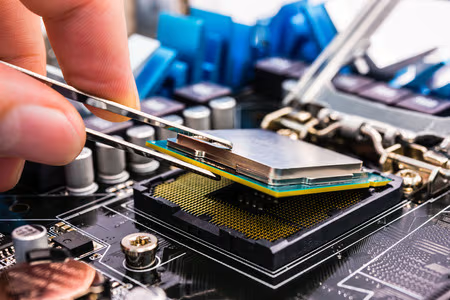
Computer Repairs Adelaide
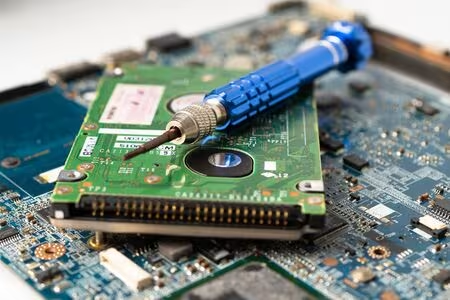
PC Repairs Adelaide
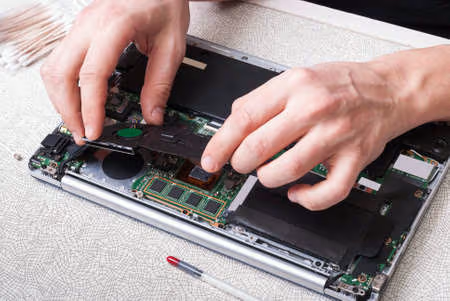
Laptop Repairs Adelaide
157 St Clair Ave, St Clair, SA,
5011, Australia
0449 997 680
steve@stevespcrepairs.com.au
Steve's PC Repairs Adelaide © 2025